
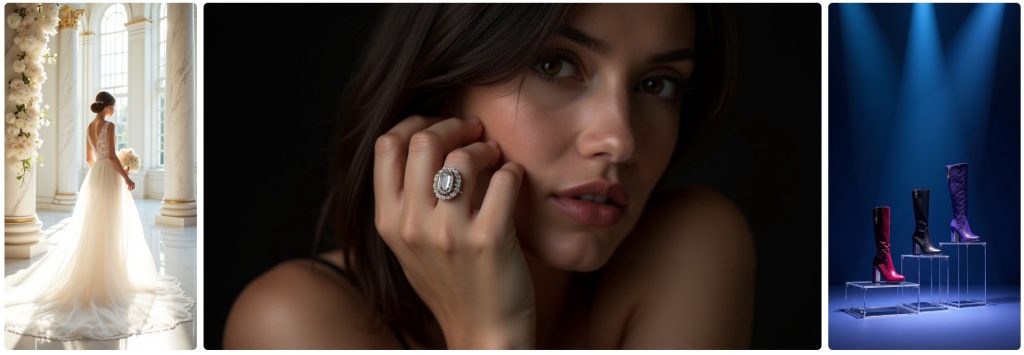
Creative Studio is miles better than the old Amazon image generator, but the output still depends heavily on how you prompt it. Short, vague prompts give you generic results. Overly detailed prompts confuse the model and produce Frankenstein images.
Here’s the sweet spot: clear, simple, commercially focused prompts. Below is exactly how to write them.
1. Start With the Product
Tell Creative Studio what it is — not what it “feels like.”
Example:
“Stainless steel garlic press with ergonomic handle.”
Avoid adjectives like “beautiful,” “modern,” or “premium.” They don’t guide the model meaningfully.
2. Tell It the Scene You Want
Be specific. The biggest difference between a good and bad output is scene clarity.
Examples:
- “On a clean marble kitchen countertop.”
- “In a bright modern bathroom.”
- “Outdoors on a wooden picnic table.”
- “On a desk next to a laptop and notebook.”
These anchor the model in reality and prevent random, chaotic backgrounds.
3. Specify the Shot Type
This is crucial — otherwise you get weird angles or hands holding things that shouldn’t be held.
Examples:
- “Front-facing product hero shot.”
- “45-degree angle lifestyle scene.”
- “Close-up detail shot.”
4. Add One Clear Action (Optional)
If you want a lifestyle moment, keep it simple.
Examples:
- “Hand sprinkling chopped garlic into a pan.”
- “Person placing the bottle into a gym bag.”
- “Cook slicing a tomato on a cutting board.”
Avoid complex instructions like “family cooking together with natural sunlight coming from the window while smiling.” That’s how you get 6-finger chaos.
5. Keep People Minimal
If you include hands or models, explicitly state:
Examples:
- “Single adult hand, normal proportions.”
- “One person, not cropped at the face.”
This helps reduce distortions.
6. Cap It With the Tone
Add a short phrase to shape the style:
Examples:
- “Clean, bright, realistic.”
- “Warm, natural lighting.”
- “Minimalist and modern.”
This helps Creative Studio maintain consistency across multiple variations.
Example High-Performing Prompts
Product-Only SB Ad
“Stainless steel garlic press on a clean white background, front-facing product hero shot, bright and realistic.”
Kitchen Lifestyle Scene
“Stainless steel garlic press on a marble kitchen countertop with chopped garlic nearby, 45-degree lifestyle angle, clean and realistic lighting.”
Small Scene With Action
“Hand using a stainless steel garlic press over a frying pan, single adult hand with normal proportions, bright and realistic.”
Supplement Bottle Lifestyle
“Black supplement bottle on a wooden gym bench beside a shaker bottle, minimalist and clean, warm natural lighting.”
What Sellers Should NOT Do
These are the prompts that cause problems:
❌ “Make it look premium and beautiful.”
❌ “Epic kitchen scene with a happy family.”
❌ “Creative, colourful, high-energy background.”
❌ “Detailed realistic hand holding product with text behind it.”
They’re either too vague or overload the model.
Why Good Prompting Matters
Strong prompts give you:
- Higher CTR
- More consistent brand visuals
- Better A/B testing opportunities
- Cleaner lifestyle images that actually make sense
Creative Studio is powerful, but only if you guide it well. The difference between a good prompt and a bad one is the difference between “usable ad” and “AI fever dream.”